// フラグの定義
keyFlag = 0;
jumpFlag = 0;
// 【追加】ジャンプ用カウント
jumpCount = 0;
// 【追加】ジャンプ用配列
jumpSpeed = [31,29,27,25,23,21,19,17,15,13,11,9,7,5,3,1,1,3,5,7,11,13,15,17,19,21,23,25,27,29,31]
// pixi.jsのアプリケーションを作成
const app = new PIXI.Application();
// bodyにpixi.jsのview(ステージ)を追加する
document.body.appendChild(app.view);
// pixi.jsのGprahicsオブジェクトのインスタンスを生成
const square = new PIXI.Graphics();
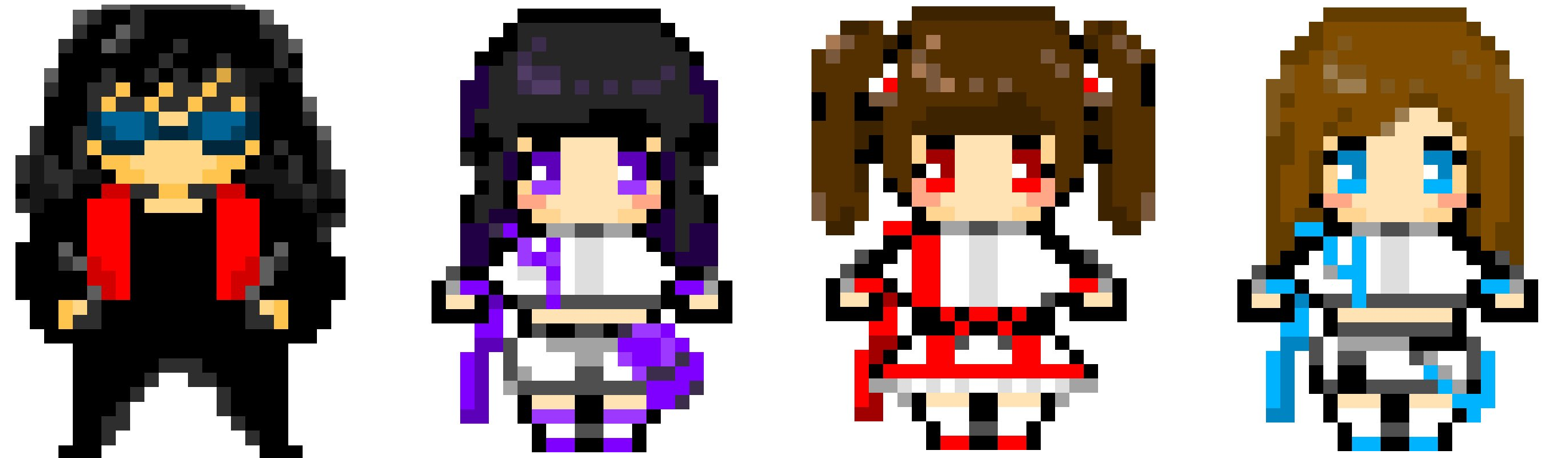
let hayachi = PIXI.Sprite.fromImage('http://otome.hkmylife.xyz/wp-content/uploads/2023/06/3.png');
// squareの大きさと位置を設定
hayachi.width = 501;
hayachi.height = 50;
hayachi.x = 50;
hayachi.y = 5;
// squareの塗りつぶしと矩形描写
square.beginFill(0xff00ff);
square.drawRect(0,0,100,100);
square.endFill();
// ステージにsquareを追加
app.stage.addChild(hayachi);
// ループ処理の実装
app.ticker.add(delta => this.gameloop(delta,hayachi));
// イベントリスナー登録
window.addEventListener("keydown", (event) => { this.downHandler(event) },false);
window.addEventListener("keyup", (event) => { this.upHandler(event) },false);
// downHandlerを定義
// 【更新箇所】上下の移動を消してxキーによるy座標の減算を記載
function downHandler(event) {
switch(event.key) {
case 'ArrowRight':
keyFlag = 1;
break;
case 'ArrowLeft':
keyFlag = 2;
break;
case 'j':
keyFlag = 3;
// ジャンプ中じゃなければジャンプフラグを1にする
if(jumpFlag === 0) jumpFlag = 1;
}
}
// upHandlerを定義
function upHandler(event) {
keyFlag = 0;
}
// ゲームループ関数の中身(毎フレーム実行される)
function gameloop(delta, square) {
switch(keyFlag) {
case 1:
square.x += 10;
break;
case 2:
square.x -= 10;
break;
default:
break;
}
// 【追加】ジャンプ中フラグによる処理の切り替え
switch(jumpFlag) {
case 1:
// ジャンプ中になったら
square.y -= jumpSpeed[jumpCount];
jumpCount++;
if(jumpCount === 15) {
jumpFlag = 2;
}
break;
case 2:
// 落下中になったら
square.y += jumpSpeed[jumpCount];
jumpCount++;
if(jumpCount === 30) {
jumpFlag = 0;
square.y = 500;
jumpCount = 0;
}
break;
default:
break;
}
}

コメント